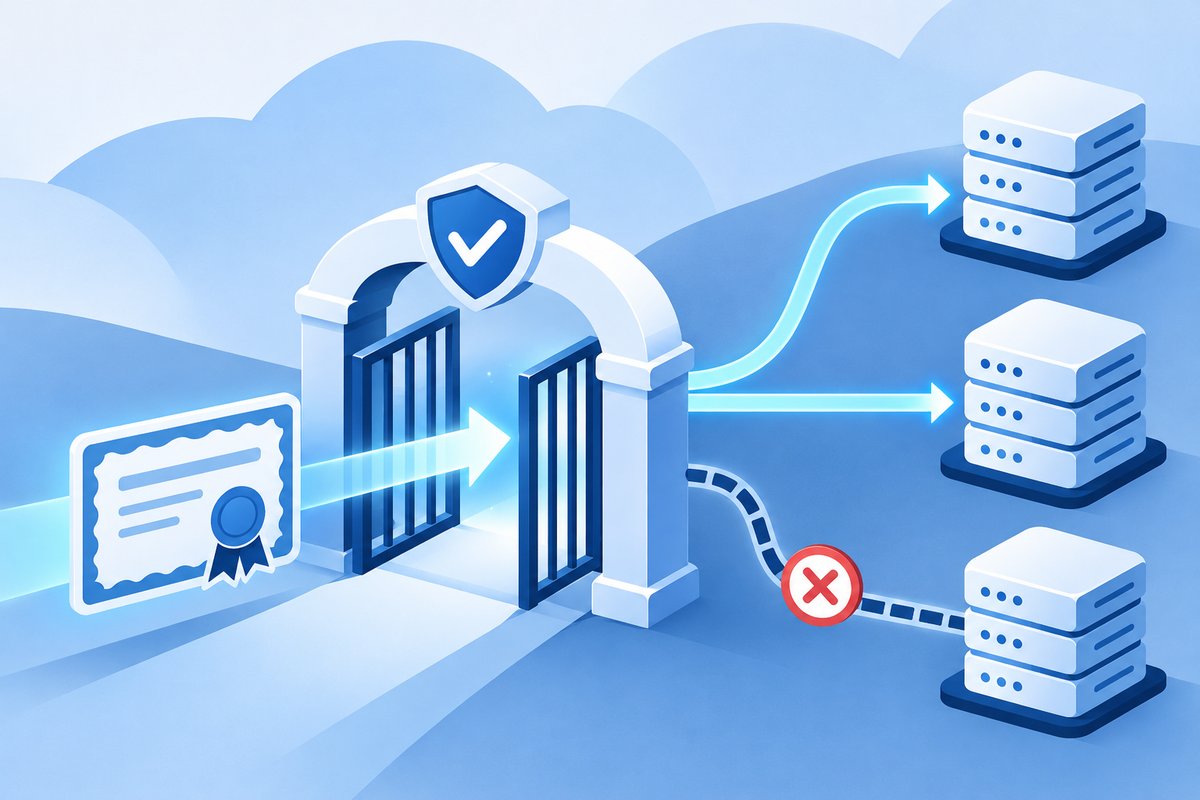

A working domain can still block certificate issuance
The website works, but TLS renewal reports a CAA error. Should you change the web server or DNS? Start with the error details and the CAA records effective for the requested names. CAA is DNS information identifying which certificate authorities, or CAs, may issue certificates for a domain. A reachable website does not prove that new certificate issuance is authorized.
CAA does not change an IP address, configure redirects or install a new certificate into a service. Let’s Encrypt explains that without a restrictive CAA policy, a CA must still validate domain control through its normal process. CAA adds issuer restrictions. Do not remove the entire policy simply to make renewal succeed: it may implement a deliberate security decision.
Identify the actual names and issuing CA
List every name in the certificate request and distinguish ordinary names from wildcards. Identify the actual issuing CA: a hosting or CDN service may use a different issuer from certificates the team previously managed. Then check authoritative DNS for those names. A dashboard row may belong to another zone or may not yet be published. Preserve the error, timestamp and observed DNS responses.
For a name without a CNAME, check the full name first and then move up the hierarchy to the nearest CAA record set, as described by Let’s Encrypt. A subdomain can therefore have a different policy from the parent. CAA checking also follows CNAME targets. A CNAME name must not also carry CAA or other record types at that same name. Check the service’s actual DNS arrangement before adding records at the original name.
issue and issuewild can authorize different issuers
issue specifies permitted CAs and also covers wildcards when issuewild is absent. issuewild sets wildcard-specific permissions. Multiple records of the same property are additive; the CA does not simply use the first row. Use the issuer’s documented CA identifier and inspect any additional restrictions, such as the account or domain-validation method, if configured.
Hypothetically, a certificate for an ordinary web name renews successfully but a wildcard request fails. issue allows the current CA, while issuewild permits only another CA. Replacing a server-side certificate file cannot fix that policy mismatch. An authorized owner must decide whether to use the permitted CA or change wildcard permissions before retrying. This is one possible cause, not a diagnosis of every CAA error.
SERVFAIL requires DNS diagnosis, not guessed permissions
Separate SERVFAIL or timeout responses from a successful CAA lookup that denies authorization. Let’s Encrypt identifies causes including DNSSEC validation, incorrect handling of query types and authoritative-server failures. If CAA cannot be read, the CA cannot establish permission even when the owner says no CAA was configured. Send the queried name, timestamp and diagnostic results to the DNS administrator; do not disable DNSSEC or randomly change several settings.
Before a change, retain the original records, approver, required CAs and rollback approach. Afterwards, verify actual DNS responses and allow relevant cached records to expire. Use the issuer’s staging environment where supported instead of repeatedly submitting production requests. Close the task only after issuance succeeds and the service is confirmed to use the new certificate. The further-reading article below covers that separate post-issuance step. For Chawinnix IT/Cloud support, provide the domain register and DNS ownership details so responsibility covers both issuance permissions and the live service.