
Find the first point of disagreement
If an ERP total differs from an import file by one satang, should you immediately add a one-satang discount? First locate the difference: unit price, quantity multiplication, line rounding or whole-document aggregation. A discount can hide decimals lost in transit and leave the same defect for the next document, even if today’s displayed total matches.
Displayed decimal places need not equal the precision stored or used in calculations. A displayed 0.33 could represent an underlying 0.334. Copying a formatted report can therefore lose precision. Inspect a supported data field or export together with units, currency and calculation rules; a screenshot alone is insufficient.
Pre-tax example: rounding lines versus rounding once
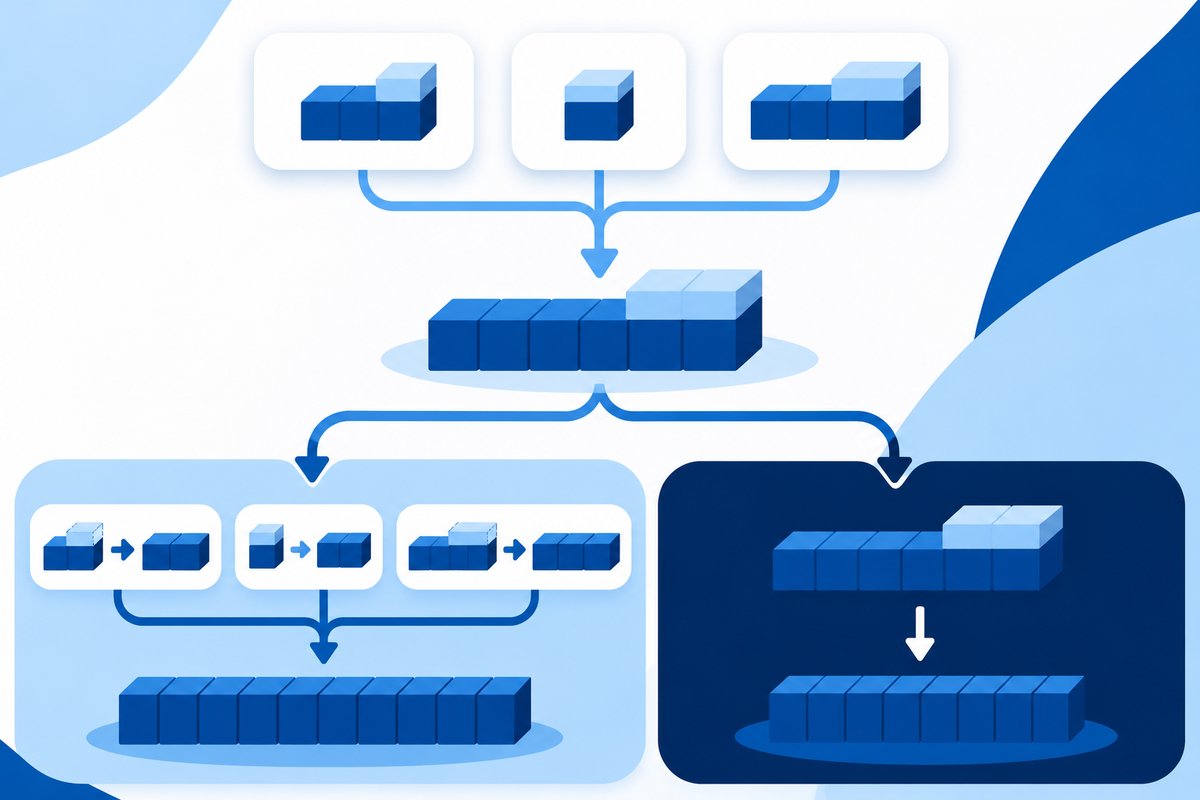
Assume a test document has three lines, each with one unit priced at THB 0.334, no discount and no tax calculation. Rounding each line to two decimals before summing gives 0.33 + 0.33 + 0.33 = THB 0.99. Summing unrounded values gives 1.002, which rounds to THB 1.00. A one-satang difference can therefore come from calculation order rather than a missing record.
This example does not prescribe Thai tax-invoice rules or justify choosing whichever method matches one system. Accounting owners must confirm the policy for the actual document type and currency. Tax, layered discounts and tax-inclusive pricing require separate test cases; the pre-tax example is not a universal formula.
Separate similarly named settings
Microsoft Business Central documents distinguish unit-amount, amount and invoice rounding, and separate local-currency from foreign-currency settings. Its invoice-rounding function adds a difference line and posts it according to setup. Establish which level you intend to change; a setting containing “rounding” is not necessarily a display-only option.
Other products can have different menus and accounting effects. Before enabling a function, check documentation for the installed version, difference accounts, purchase and sales settings, and approval authority. If an integration already converted 0.334 into 0.33, downstream invoice rounding cannot restore the lost value. Correct the transfer according to the data contract and approved policy.
Build evidence accounting and IT can compare
Use a customer-redacted sample and record original unformatted values, quantity, units, price, discounts, currency, line results and totals in their actual sequence. Record software version and settings. Compare source, transmitted data and destination, marking the first divergence. If source and transmitted values match but the destination differs, examine import processing and destination formulas before changing the source.
In an authorized test environment, cover ordinary items, multiple lines, prices with more than two decimals, negative or return items and actual currencies. Agree expected results with accounting before running tests. Acceptance must cover line values, document totals, difference postings and exported results, not just matching screen totals. Preserve unresolved cases for investigation.
Verify the impact before release
Once the cause is known, specify the data, transfer logic or setting to change, its approver and rollback method. Establish whether it affects only new documents or previously posted records. Do not bulk-edit history merely to make totals agree without an approved accounting procedure. After release, sample authorized real documents and monitor unusual differences without retaining unnecessary personal data.
For ERP/Cloud Accounting or integration work with Chawinnix, prepare a reproducible sample, an accounting-approved rounding policy and expected results at each level. This separates system remediation from accounting-policy decisions and demonstrates that the cause was fixed rather than hidden through unexplained discounts or adjustments.