Set Up FEFO in ERP Without Ignoring Lot Restrictions
First received is not always first to expire
A newly received lot can expire before stock already on the shelf. Picking only by receipt date may leave the earlier expiry behind. FEFO means First-Expired-First-Out, unlike FIFO’s arrival sequence. It works only with reliable lot data and stock that is eligible for release.
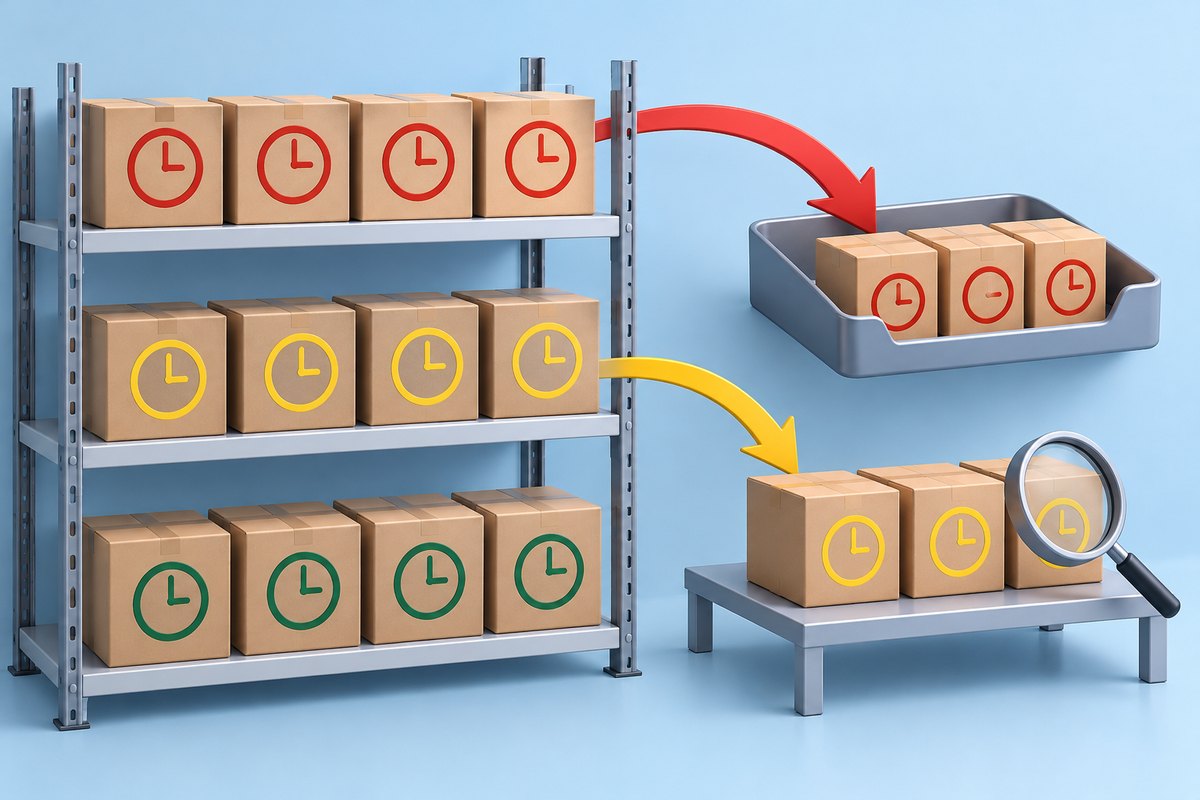
Separate eligibility from priority: which stock may be released, then which eligible lot comes first? Quarantined, unchecked returned or blocked stock should not pass merely because it expires soonest. Warehouse, quality and system owners must agree these rules.
Record the actual lot and storage location
Receiving records should link item, manufacturer lot, expiry, quantity, unit and location to readable source evidence. Hold discrepancies between labels and delivery documents for review; never invent dates to satisfy a mandatory field. Keep receipt, production and expiry dates separate, with controlled correction rights and reasons.
Microsoft’s Business Central documentation requires item tracking, recorded expiry dates and location setup for FEFO; excluding expired stock depends on further settings. This describes the referenced product, not every ERP. Ask for tests of the actual version and workflow.
An example where receipt order selects the wrong lot
In a hypothetical test on 1 November, lot A arrived on 1 October and expires on 31 December; lot B arrived on 20 October and expires on 30 November. If both are released and otherwise eligible, FEFO should propose B first despite its later arrival. These are test dates, not shelf-life advice for any product.
Now assume the customer requires at least 45 days remaining on dispatch on 1 November. B fails that requirement even though it expires first. Filter eligibility before sorting, or route the case for review if the system cannot automate it. Never alter expiry to make the shipment pass.
Test exceptions before a warehouse-wide rollout
Include lots with missing dates, expired lots, quarantined stock and orders specifying a particular lot. Write expected results before generating picks, then inspect proposed lots, quantities and exclusions. If results differ, distinguish data errors, configuration errors and design limitations instead of disabling every rule.
Continue through physical picking and posting: a correct proposal does not prove the right lot was picked. Test wrong-lot scans, shortages and split-lot fulfillment. Check warnings and exception records, including who approved a change and why. Use synthetic data in an appropriate test environment.
Accept the workflow with evidence and monitor ageing stock
Acceptance should demonstrate traceability from issue back to receipt, ownership of missing-date corrections and visibility of ageing held stock. Reporting only saleable stock can hide lots that expire during review. FEFO prioritizes picking; it does not create demand or make old goods safe.
For an ERP discussion with Chawinnix, bring sample items, customer rules and expected tests so scope covers data, permissions and exceptions. Pilot a limited group and review wrong picks and overrides before expanding. The FEFO toggle alone is not acceptance evidence.