Receiving an e-Tax Invoice: verifying a digital signature versus viewing a signature image
Identify the document format first
An electronic tax invoice that looks like a paper document does not establish that its digital signature has been verified. This article concerns e-Tax Invoice & e-Receipt documents using digital signatures and electronic certificates. It does not automatically apply one procedure to every PDF or timestamp-based system. Have the tax owner confirm the channel and format the business receives before defining the validation process.
A signature image and a validation result are different
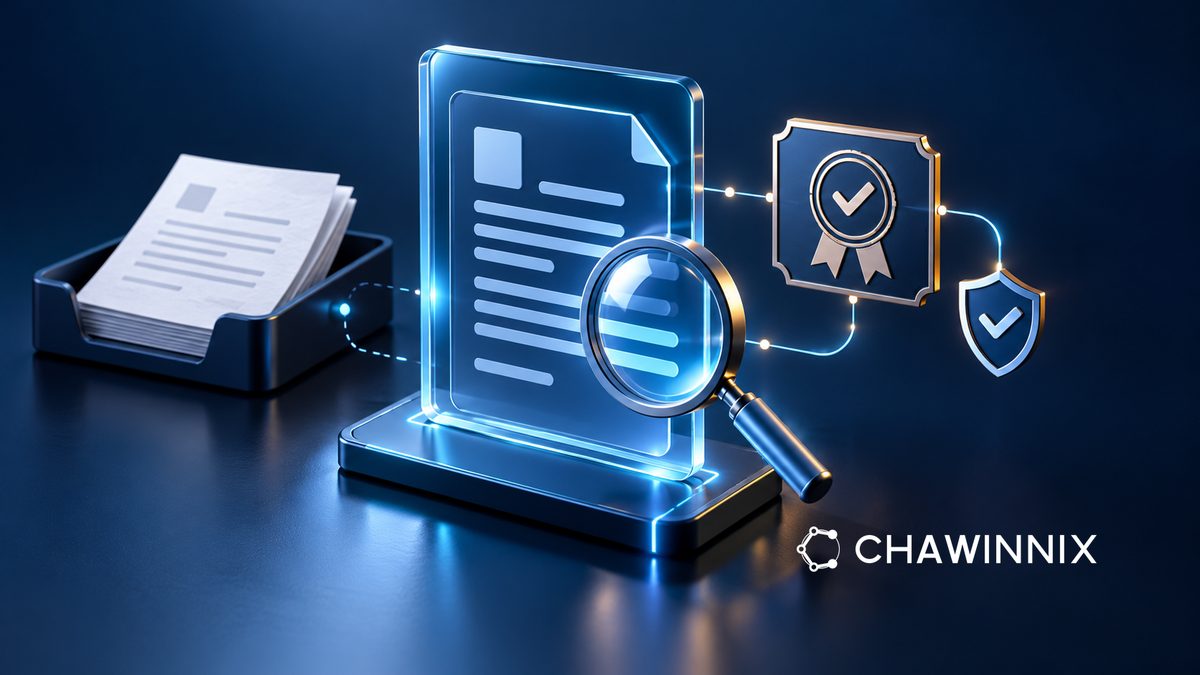
The Revenue Department's guide shows that the visual appearance of a signature on a PDF may be displayed or omitted. Seeing a signature image therefore does not prove that the digital signature is valid. Open the original file with a tool that supports verification and inspect the signature and certificate details. Do not conclude that a file is unsigned merely because no image is visible, or treat a pasted stamp as a substitute for validation.
Keep received originals separate from working copies
Design intake to preserve the original file with its delivery channel and receipt date, then separate working copies from that original. Printing and scanning or converting files to combine documents should not replace the original needed for signature verification. Identify precisely which file each recorded result concerns. If the issuer sends a new file, retain its relationship to the earlier item without overwriting the history so that the reviewed version remains identifiable.
Read the status and reason before deciding
For a PDF, inspect the signature panel and signature properties, including the document-change result and certificate information such as its owner and issuer, using the chosen tool. If validation remains inconclusive, record the actual message, tool name and time, then refer it to IT or the document issuer. An unknown status is not itself a finding of forgery. Do not change all trust settings merely to remove a warning.
Signature validation does not replace accounting checks
Even when the tool reports a valid signature, accounting must still check whether the document matches the transaction, including the buyer, tax identification number, branch, items and relevant amounts. Keep signature-validation status separate from data checking and tax assessment. For example, a correctly signed file may name the wrong purchasing company. Route it through the correction process defined by the responsible team; a technical result does not establish tax entitlement for every purpose.
Make exceptions traceable
When discussing this workflow with Chawinnix, prepare the intake map, validation point, exception owner and method for linking results to stored documents. Test both normal and unverifiable cases using authorized test data. Define who contacts the issuer and who closes the item after a response. Do not send actual customer documents to unapproved external tools. The system should help the team trace causes and evidence, rather than mark an item as passed because nobody owns the next step.