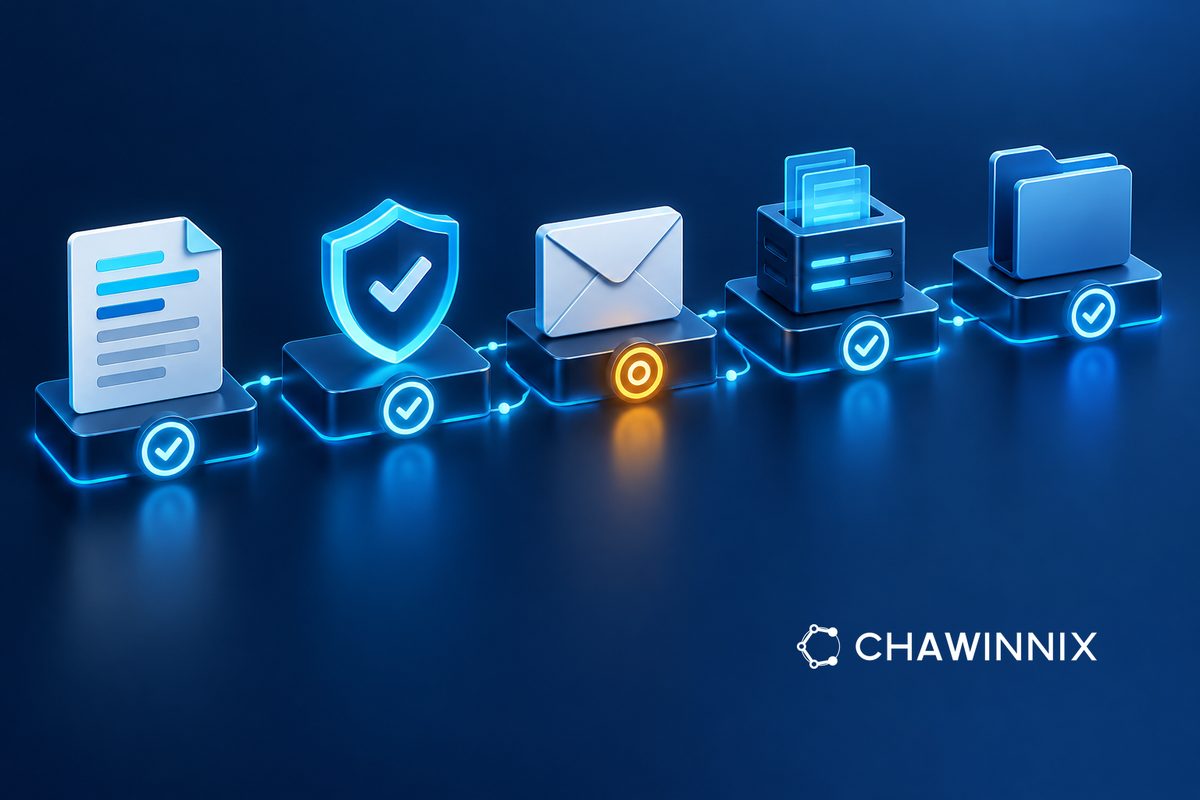
Before adopting e-Tax Invoice: map the company's document workflow
Map the document journey, not just a paper-to-file conversion
Before choosing an e-Tax Invoice system, follow one sample transaction from sales data collection to accounting retrieval. Identify who enters, checks, sends and fixes it when something goes wrong before live use. This article proposes internal process preparation; it is not an application guide or confirmation that the business is already entitled to issue electronic tax documents.
Confirm the applicable method and eligibility first
The Revenue Department overview separates creation, delivery, data submission and retention in the e-Tax Invoice & e-Receipt process. Its ETAX Service page also describes checking business status that can change. Have the tax lead confirm the intended method and current requirements before configuration. Do not assume that every PDF sent by email is a valid e-Tax document, or that every channel follows identical steps.
Assign data ownership before creating documents
List the data actually used, such as buyer identity and details, branch, goods and services, dates and relevant amounts, then assign a source and reviewer to each field. For example, sales may update a buyer's name while accounting still imports the old name from another system. Agree which data is confirmed and where the source correction belongs, rather than editing only the final file and leaving one transaction inconsistent across systems.
Separate customer delivery from data submission status
The work queue should distinguish pending review, created documents, delivery to the buyer, submission through the chosen channel and retention of evidence as applicable to the actual system. Clicking send should not stand in for evidence that every stage succeeded. Ask the developer what acknowledgements can be checked and who handles errors. Do not infer success solely from the absence of a warning.
Test exceptions before extending use to every transaction
Alongside normal cases, prepare authorized test data for an incorrect buyer email, missing mandatory information, duplicates or failed submission. Check who sees the issue, who corrects it and how to confirm the correction does not produce a duplicate document. If an issued document needs correction, have the tax lead define the appropriate procedure for that case. Do not erase history or overwrite the original merely to make the queue look tidy.
Accept the system based on retrievable evidence
Have the team retrieve a transaction with its source information, transmission status and related history using authorized real user permissions. Agree who maintains the process after staff changes and how pending errors are reviewed. Do not choose retention periods merely to suit available disk space. Bring the workflow, data list and test cases to Chawinnix for tax-system and business-system consultation. Software readiness and tax requirements must be checked together; neither substitutes for the other.