When an employee leaves: revoke IT access while handing over the work
Access closure and work handover are separate tasks
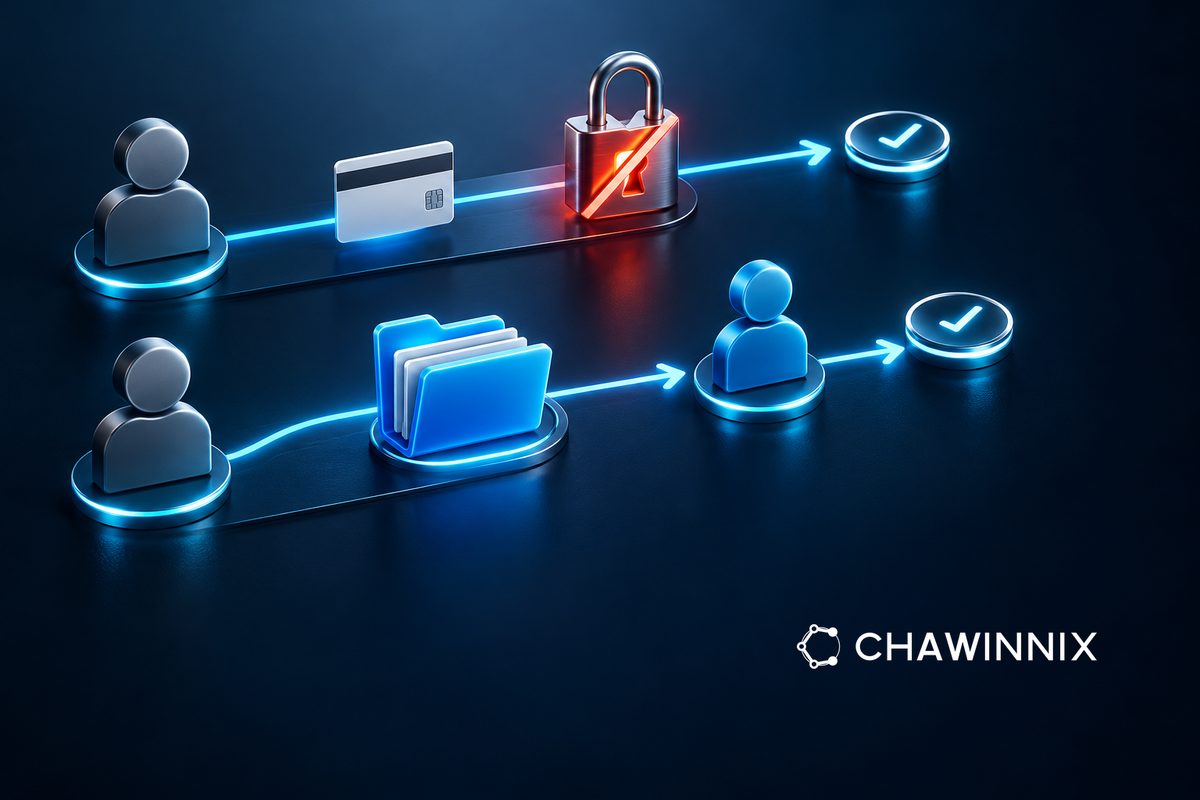
When an employee leaves, IT work does not end with an email password change. Define both the access end time and the person taking over the work, coordinating HR, business owners and administrators. This is a process framework for authorized staff, not advice to enter an employee's personal accounts or copy everything without a defined scope.
Build the system list from actual work
Start with email, shared files, accounting, cloud services and customer-facing tools. Record which accounts belong to the company, who owns each system and whether a backup owner exists. If work depends on a personal account, record it as unresolved and have authorized parties agree on a handover method. Do not request secrets in group chats or assume the company can open every account ever used for work.
Agree on timing and scope through authorized owners
List what must happen before departure, what happens when access ends and who approves timing changes. Microsoft's guide separates blocking sign-in, retaining data and providing successor access from account deletion. A delete command alone should therefore not replace the full plan. Actual steps depend on the product, administrator privileges and organizational policy.
Check file ownership and automated jobs
Before changing accounts, identify successors for folders, forms, scheduled reports and relevant integrations. For example, an automated sales report may run under the departing employee's account. If disabling it stops the report, the successor needs an approved account-based handover. Do not keep the old account in indefinite shared use merely because no owner has been assigned.
Verify security and continuity separately
Have administrators verify access termination according to the relevant instructions, and business owners test that successors can retrieve documents and perform authorized work. Distinguish completed checks from pending items. Returned equipment does not prove all online access has ended, and visible files do not prove integrations still work. Do not experiment on live systems without a plan and approval.
Close with evidence and a new owner
Record execution times, approvers, successors and outstanding items in an access-controlled location. Set retention according to policy and applicable requirements, rather than defaulting to immediate deletion or indefinite storage in every case. Chawinnix lists IT and access-management services. A system list and handover problems can support an initial discussion without sending passwords or actual employee data.